
Ever wondered which cloud option suits your business best? Cloud computing isn’t a one-size-fits-all solution. It offers a range of services, from storing your data in virtual space to building smart applications that help run your operations.
Imagine it like putting together your favorite meal. You pick the ingredients that match your taste. With models like IaaS, PaaS, and SaaS and choices from public to private setups, you get the right mix for your needs.
This post explains each option clearly, so you can decide on a cloud strategy that works perfectly for your business.
Overview of Cloud Computing Types: Deployment and Service Models
Cloud computing comes in two main flavors: service models and deployment models. In simple terms, service models explain what you get, like the ingredients in a recipe, while deployment models show how the cloud setup is organized. It’s a bit like ordering your favorite meal and then learning how it’s cooked.
Let’s break down the key service models and deployment options:
- IaaS gives you on-demand access to virtual computing, storage, and networking resources. Think of it as the base layer that supports other cloud services.
- PaaS combines hardware and software tools to help you build applications, so you don't have to worry about managing the underlying tech.
- SaaS delivers fully managed applications directly over the internet. This means no more local installations or maintenance hassles.
- Serverless Computing runs codes triggered by events without the need to handle server management. It automatically scales based on your needs.
- Public Cloud lets anyone access shared computing services over the internet provided by a third party.
- Private Cloud offers computing resources dedicated solely to one organization, enhancing security and control.
- Hybrid Cloud combines both public and private cloud resources. This lets you keep sensitive tasks secure on a private setup while taking advantage of the scalability of a public cloud.
- Community Cloud shares infrastructure among several organizations with similar needs or compliance requirements, which can help reduce costs.
Understanding these models is key. When you know what each option offers, you can better align cloud solutions with your business needs, manage costs, and pick the right level of security and scalability. Ever wonder how these models can shape your IT strategy? Knowing the differences makes planning much clearer and helps you stay agile in a fast-changing market.
Public Cloud: A Core Type of Cloud Computing
Public cloud computing is a handy way to access computing resources right when you need them. Big names like AWS, Azure, and Google Cloud offer these services over the internet. They rely on a shared setup, which means many users tap into the same hardware. This setup lets you pay only for what you use, making it a great choice if you don’t want to invest in your own equipment.
Many companies are drawn to the public cloud because it saves money and adjusts easily to demand. It lets you quickly add or cut back on resources depending on your needs. Think about launching a new website or handling busy periods during the year. With a pay-as-you-go plan, you lower upfront costs while still reaching customers worldwide for hosting, development, or even big data projects.
Security is a key point with public cloud services since many users share the same systems. Providers work hard to follow strict security standards, but the shared environment can sometimes raise privacy concerns. It’s a lot like renting space in a shared office, you must be careful with your sensitive data to stay protected.
Private Cloud: Dedicated Cloud Computing for Single Organizations
Private clouds give a company its own set of computing resources, meaning the hardware and software are exclusively assigned to one organization. These setups can be housed on-site or managed by a trusted outside provider, ensuring tighter security and reliable, steady performance. For instance, a major hospital might use a private cloud to securely store patient records while nailing strict compliance rules.
With a private cloud, a business controls every part of its IT setup, from the machines it uses to the security measures it installs. This control means you get a consistent performance free from outside interference, and you can tailor your system to meet specific industry rules, as if you had a custom-built machine working just for you.
But there are a few challenges to consider. Private clouds need a big upfront investment and aren’t as flexible as public clouds when it comes to scaling quickly. Boosting a private system often means buying more hardware and waiting longer for it to go live. So, before you dive in, it’s wise to weigh your future growth and budget carefully.
Hybrid Cloud: Integrating Public and Private Cloud Computing Types
Hybrid cloud mixes public and private cloud systems using tools like APIs, VPNs, or direct network links. This lets companies store sensitive work in a secure private space while using public resources to handle extra tasks or busy periods.
The benefits are easy to see. By blending both types, businesses can save money, expand quickly, and keep a tight hold on important data. It’s like having a flexible toolbox, ready to switch gears when demand rises or workloads change.
Yet, setting up a hybrid cloud can be challenging. The public and private systems have to work closely together, which can complicate the network. Sometimes, aligning these different setups leads to delays or extra steps. Addressing these issues means planning carefully and using robust network protocols to keep everything running smoothly.
Community Cloud: Collaborative Cloud Computing Among Organizations
A community cloud brings multiple organizations together to share both computing systems and upkeep responsibilities. It’s common in fields like healthcare, government, and education, where groups with similar IT needs can team up. Think of it like a shared workspace; each member can comply with specific rules and maintain steady security, all while pooling resources. For instance, several hospitals might use a community cloud to safely handle patient data.
This setup makes it easier to split costs and meet compliance regulations. But it isn’t without its challenges. The shared system can sometimes mean less flexibility, such as slower scaling of resources and added layers of governance. That’s why careful planning is key when you decide to work together in a community cloud.
Service Models in Cloud Computing Types: IaaS, PaaS, SaaS, Serverless
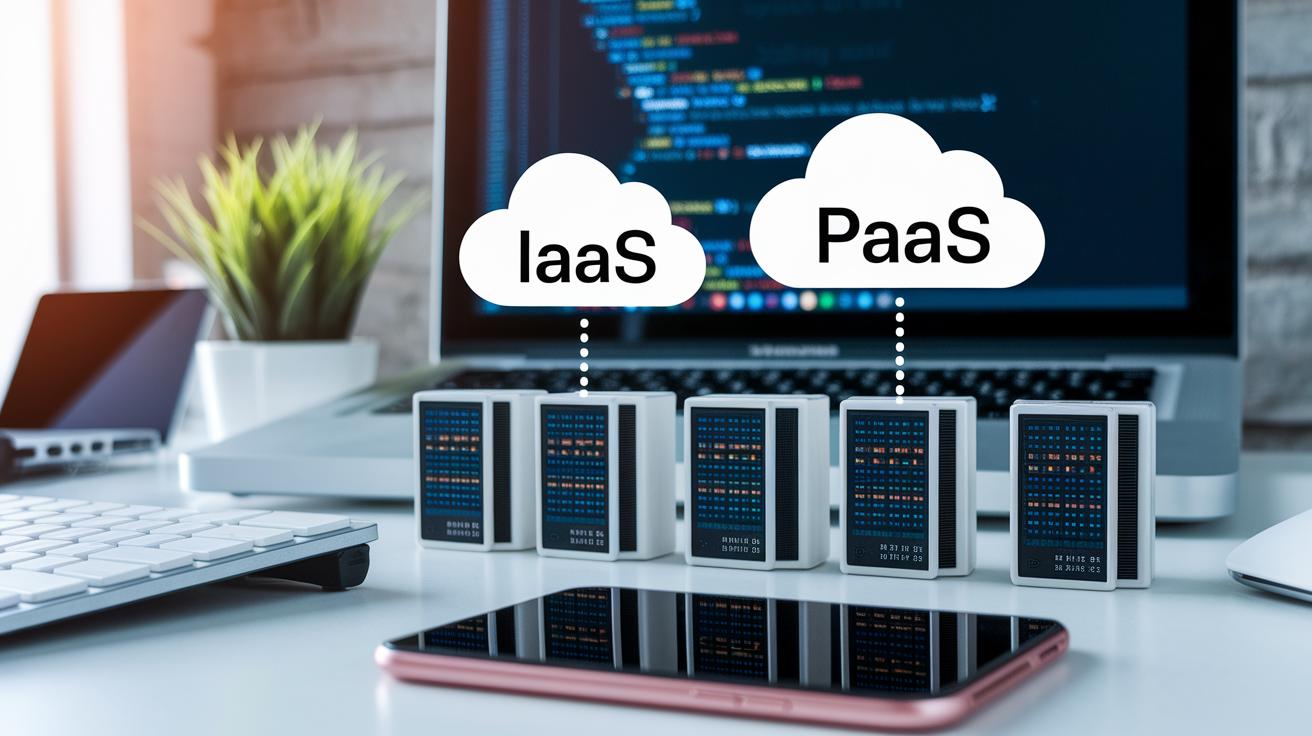
Cloud computing gives businesses different ways to control their digital projects while keeping things simple.
IaaS
IaaS lets you tap into basic computing, storage, and networking power whenever you need it. It means companies can run their own operating systems and apps without dealing with physical servers. For example, a retail store might use AWS EC2 to boost its e-commerce site during busy shopping times.
PaaS
PaaS comes with built-in development tools and middleware that make building and launching apps much easier. This way, developers can focus on writing great code instead of worrying about underlying hardware. For instance, a tech startup might choose Google App Engine to quickly create and deploy a new mobile app.
SaaS
SaaS offers fully managed applications that you access through a browser or API, so you don’t have to install anything locally. With the provider handling updates and maintenance, businesses can concentrate on what matters most. For example, a marketing firm may use Salesforce CRM to streamline client work and manage campaigns efficiently.
Serverless
Serverless computing lets you run code driven by events without managing servers at all. It automatically adjusts resources based on demand, keeping costs down during busy times. For instance, a digital media agency might use AWS Lambda to process image uploads fast and reliably during high traffic.
Comparative Analysis of Cloud Computing Types
When it comes to cloud options, each type has its own perks when we talk about accessibility, security, cost, and what it’s best suited for. Public clouds let you reach a lot of users and keep initial costs low, though security is moderate. This makes them great for startups and companies that have peaks and valleys in workload.
On the other hand, private clouds are set up just for one company. They offer tighter security and more control, which is perfect for industries like finance or healthcare that need strict data rules, even if it means spending more up front.
Hybrid clouds take the best of both worlds by combining public and private elements. They usually run on an operating expense model and can scale with seasonal changes, offering a balanced mix of security and cost. Community clouds are shared by groups of organizations that follow similar regulations. They work on shared resources and cost, and fit well in areas like government or education where the rules are clear.
| Cloud Type | Accessibility | Security Level | Cost Model | Best Use Cases |
|---|---|---|---|---|
| Public | Wide access | Medium | Low CAPEX, pay-as-you-go | Startups, dynamic workloads |
| Private | Restricted access | High | High CAPEX, predictable | Regulated sectors, enterprise apps |
| Hybrid | Mixed access | Balanced | OPEX focused, scalable | Seasonal demand, balanced workloads |
| Community | Shared among similar groups | Rule-based | Shared cost | Government, education, niche sectors |
This straightforward comparison helps decision makers find the cloud option that best meets their business needs, balancing cost, security, and performance with ease.
Choosing the Best Cloud Computing Type for Your Business

When deciding on a cloud provider, you need to think about more than just the price tag. You have to weigh factors such as security needs, budget limits, the potential for growth, industry rules, and your current system setup. For instance, if your business deals with sensitive data, picking a cloud that prioritizes top-notch security is a must. And it helps to look at performance stats, service agreements, and past uptime records to make sure the cloud will fit your daily operations.
Planning your migration to the cloud is just as important. Start by listing all your digital assets and mapping out which applications rely on each other. This step-by-step approach helps you move gradually and avoid being locked into one vendor. Test every phase before moving on to the next. This careful planning not only protects your data but also keeps your business running smoothly during the transition.
Striking a balance between cost and security is key. You can cut costs by right-sizing your cloud resources, using reserved options when you can, and routinely checking your usage. At the same time, implement solid security measures like regular audits, encryption, and strict access controls. Getting this balance right sets up your business for a smoother, more secure cloud adoption.
Final Words
In the action, we explored types of cloud computing through service models like IaaS, PaaS, SaaS, and serverless, along with deployment models such as public, private, hybrid, and community. Each model offers unique strengths, from cost benefits to enhanced security and flexible scalability.
This clear breakdown helps you understand which cloud option best supports your goals and drives smart, data-driven decisions. Keep building on these insights, and watch your strategies and confidence in market trends grow.
FAQ
What are the different types of cloud computing?
The different types of cloud computing include service models like IaaS, PaaS, SaaS, and serverless along with deployment models such as public, private, hybrid, and community, each addressing unique business needs.
What does “3 types of cloud computing” mean?
The term “3 types of cloud computing” generally refers to the main service models: IaaS, PaaS, and SaaS, which offer varying levels of control, development support, and application management.
What are IaaS, PaaS, and SaaS?
IaaS provides basic virtual resources, PaaS offers a framework for application development, and SaaS delivers fully managed software applications, tailoring cloud services to different business tasks.
What type of cloud is AWS?
AWS operates mainly as a public cloud provider, offering a range of services including IaaS, PaaS, SaaS, and serverless computing to support various enterprise workloads.
What is the 7 step model of cloud computing?
The 7 step model of cloud computing outlines phases such as assessment, planning, design, migration, integration, management, and optimization, guiding businesses through a structured cloud transition.